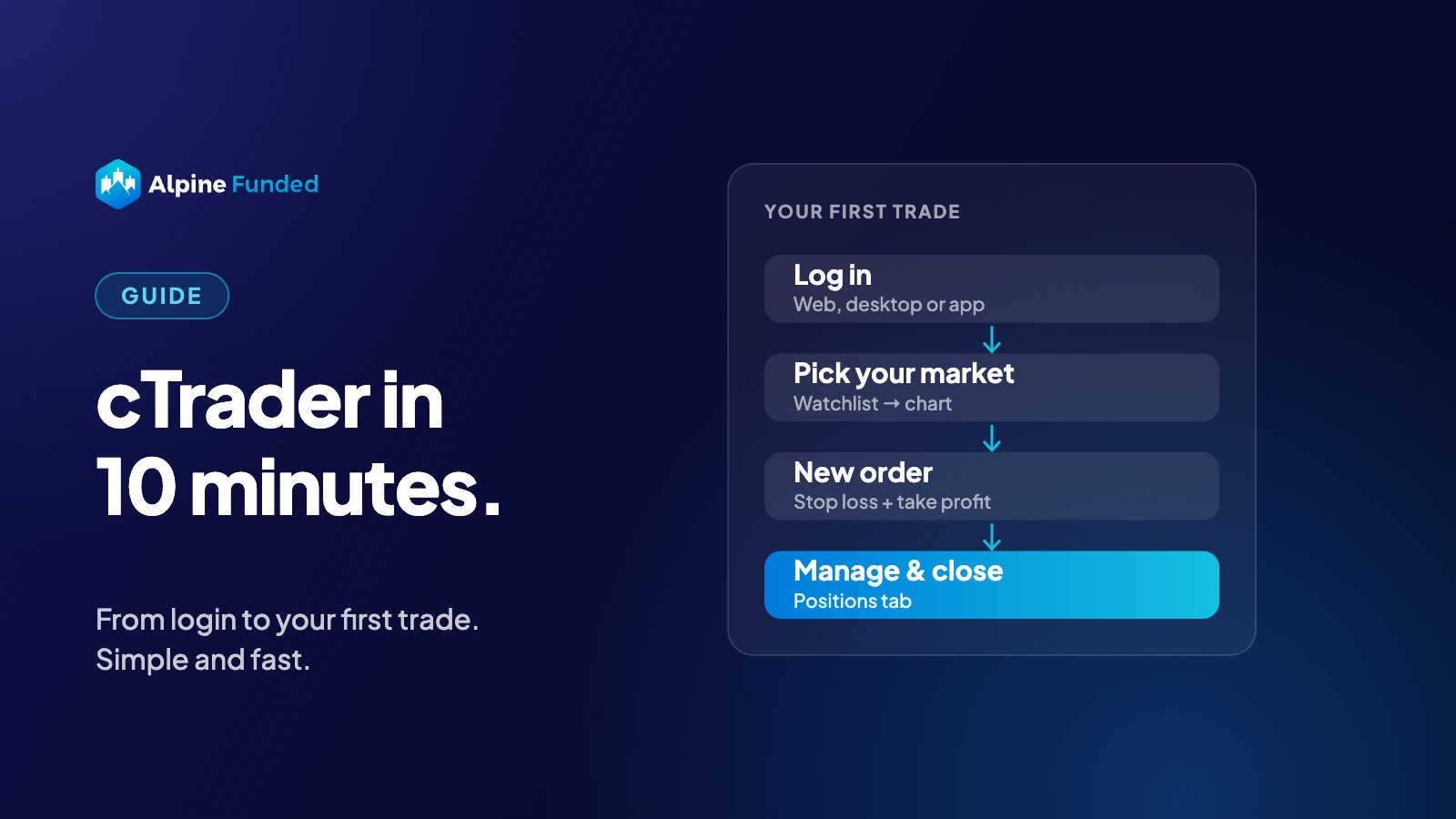
Your Alpine Funded account runs on cTrader. If you have only used MetaTrader or TradingView so far, don’t worry: cTrader is clean, fast and easy to learn. In 10 minutes you’ll know everything you need for your first trade.
Key takeaways
- cTrader runs on web, desktop, iOS and Android. You log in with your email.
- Placing a trade with stop loss and take profit takes a few clicks.
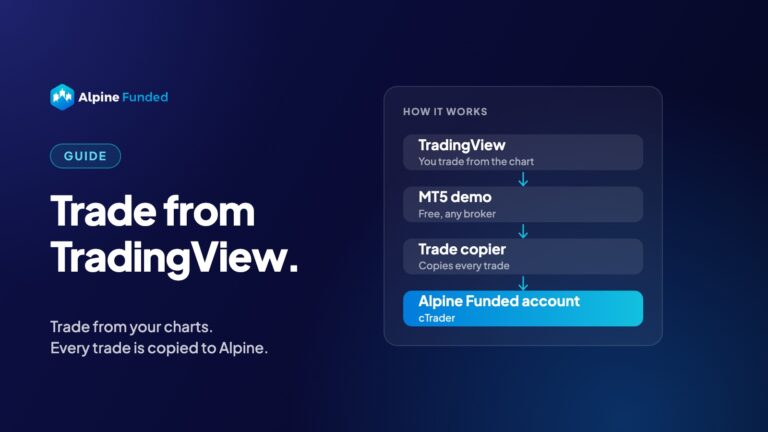
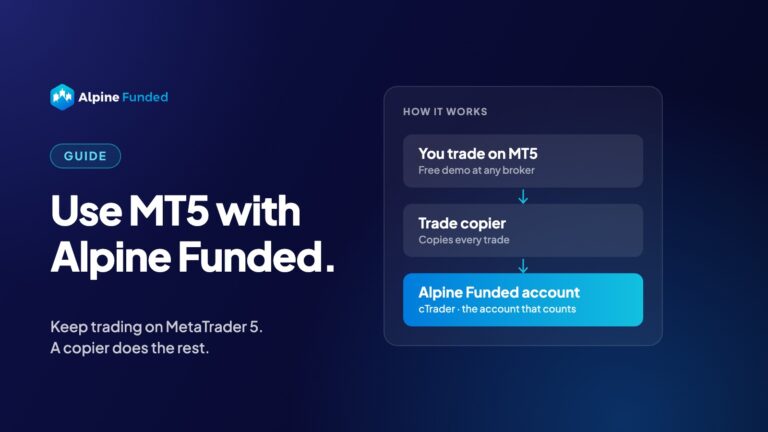
- Prefer MT5 or TradingView? You can keep using them with a trade copier.
Step 1: Log in (1 minute)
Right after you buy your account, you get your cTrader login by email. Open cTrader in your browser, on your computer or in the app, and log in with that email. You’ll find your login details in your dashboard too.
Tip: install the cTrader app on your phone as well. It’s the easiest way to keep an eye on your trades.
Step 2: Find your market (1 minute)
On the left you see the watchlist with all symbols. Click a symbol, for example EURUSD or XAUUSD, to open its chart. Use the star to add your favourites, so you always find them quickly.
Step 3: Set up your chart (2 minutes)
- Timeframe: pick it at the top of the chart (m5, h1, D1 and so on).
- Indicators: click the indicator icon and add what you use, like moving averages or RSI.
- Drawings: lines, rectangles and Fibonacci are in the drawing toolbar.
Save your setup as a template, so every new chart looks the way you like.
Step 4: Place your first trade (3 minutes)
- Click New Order (or press F9 on desktop).
- Choose Buy or Sell and your volume (lots).
- Tick Stop Loss and Take Profit and set them in pips or as a price.
- Click Place Order.
Want to be faster? Turn on QuickTrade and trade with one click on the buy and sell buttons on the chart. You can then drag your stop loss and take profit straight on the chart.
Step 5: Manage and close your trade (2 minutes)
At the bottom you see your open Positions. From here you can:
- move your stop loss or take profit,
- close part of the position,
- close it completely with the ✕ button.
The History tab shows all your closed trades.
Step 6: Check your rules (1 minute)
Your daily loss and max loss are measured on your cTrader account. Keep an eye on your balance and equity at the bottom of the screen, and check your progress in your dashboard.
Prefer MT5 or TradingView?
No problem. You can keep trading on the platform you know and copy your trades to cTrader:
- How to Use MT5 With Your Alpine Funded Account
- How to Trade Your Alpine Funded Account From TradingView
Bottom line
cTrader looks different at first, but after one trade it feels natural. Log in, pick your market, set your stop loss, and you’re trading. Ready to start? Choose your account.
Alpine Funded provides a simulated trading environment for educational and evaluation purposes. Rewards may be performance-based. cTrader is a trademark of Spotware Systems Ltd.